The ARC comes with a mechanism to track changes. This version control is based on git. Briefly, snapshots of an ARC are called Commits. Every Commit is encoded with the information on who made the change and when and it is accompanied with a note, i.e. a “Commit message” that allows the user to communicate what was changed.
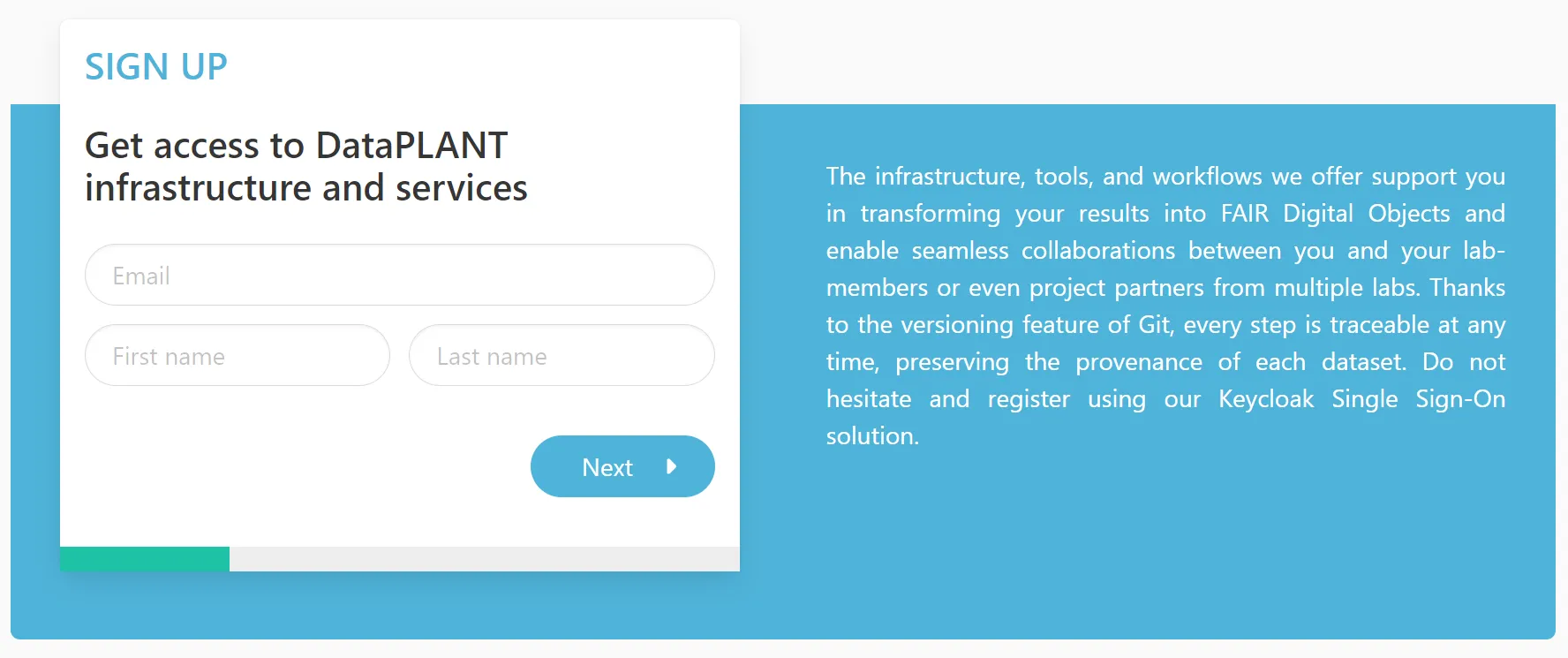
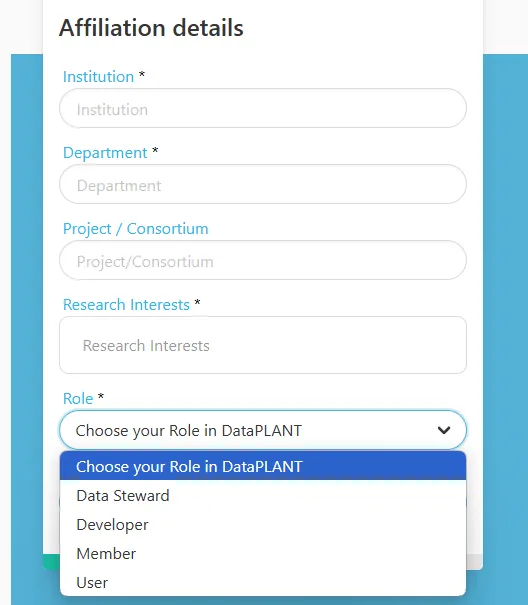
In order to retrieve your user information and associate it with your commits, you need to login to the DataHUB.
ARCitect-GX
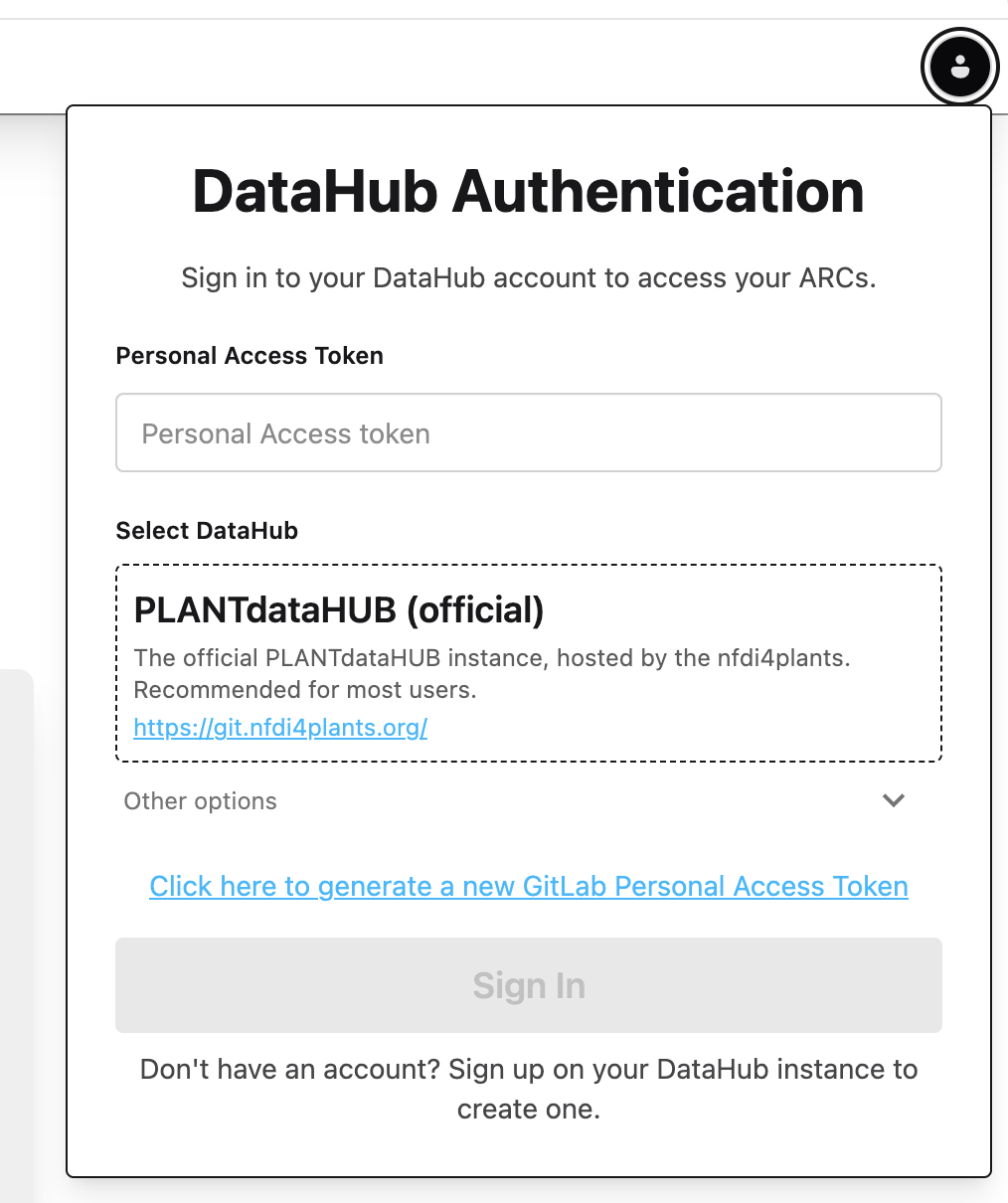
Click Open the DataHUB Authentication menu in the top-right.
Select PLANTdataHUB (official) git.nfdi4plants.org as DataHUB from the dropdown menu.
Click the link Click here to generate a new GitLab Personal Access Token. This automatically opens your browser at the DataHUB (https://git.nfdi4plants.org) and guides you to create an access token.
Scroll down and click Generate token .
Copy the token on top and paste it into the ARCitect-GX field “Personal Access Token”
Click Sign In
Great, now I should be able to work with the DataHUB.
The commit menu allows you to “commit” your changes locally. This saves the changes of your local ARC together with your DataHUB credentials (Name and eMail).
ARCitect-GX
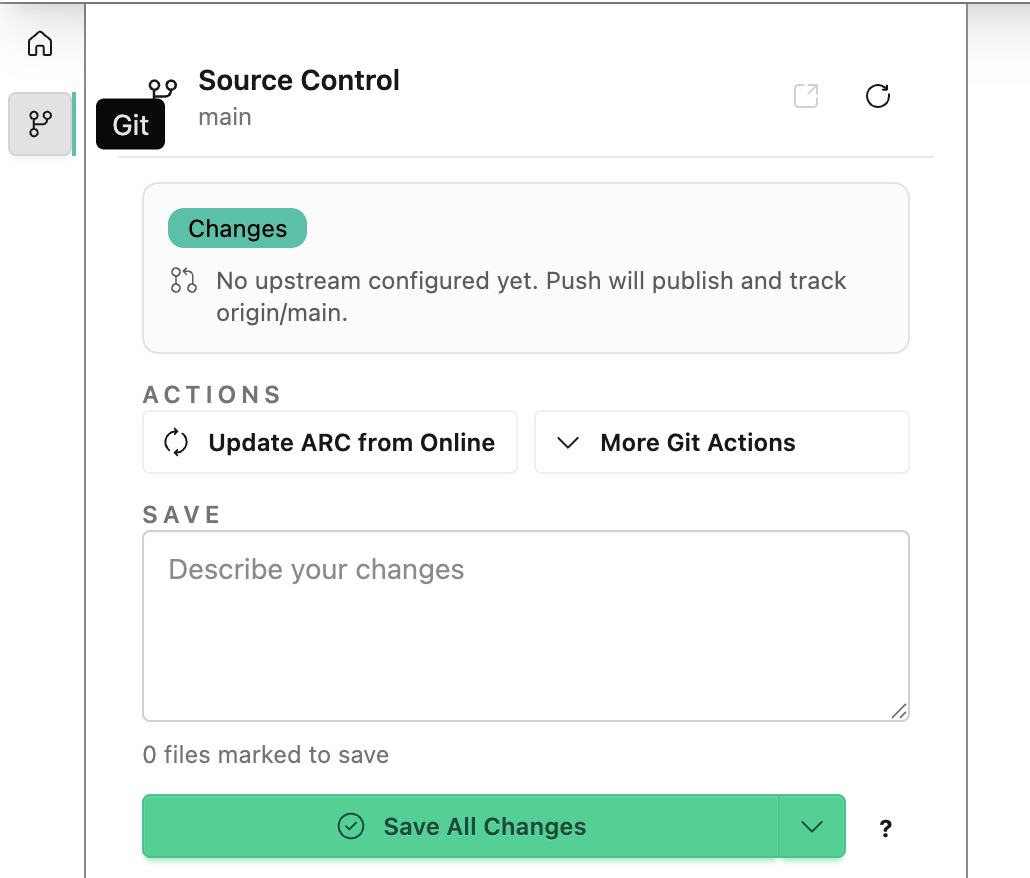
Navigate to the Git menu in the left sidebar.
Add a message to describe your changes
“Created my first ARC and added data.”
Click Save All Changes to store your changes and upload them to the DataHUB.
Try it yourself – add messages to communicate your ARC’s evolution